Revelation Password Manager for Gnome
published 2007-06-23 · tags: gnome, linux, passwords, security
If you have a large number of passwords, it would be a good idea to write them on a sticky pad and put them on your monitor or secretly under your keyboard. ;-)
Or better yet, you can use a nifty password manager for the Linux platform call Revelation. It’s written for tight integration with the Gnome desktop environment.
Home page: http://oss.codepoet.no/revelation/
The passwords are stored in an encrypted XML file, protected by AES encryption and of course a master passphrase.
It has most of the core functionality one would expect from a mature password manager, including a nice internal directory structure to organize your data, copy and paste, and customizable viewing options.
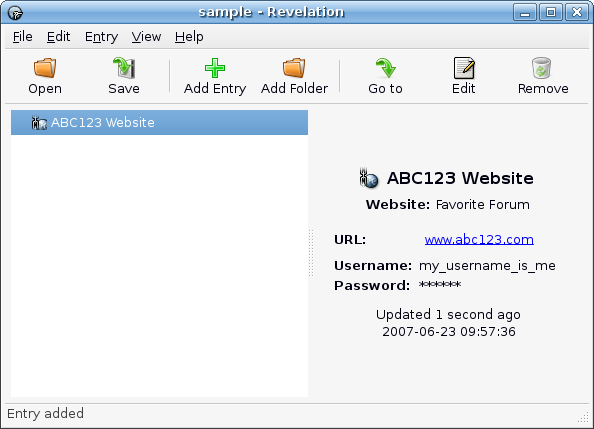
Definitely worth checking out. Ubuntu 7.04 universe repositories have the latest version available for download.
$ sudo apt-get install revelation
Launch it from Applications -> Accessories -> Revelation Password Manager.